The last thing I want to do for this little project is to add an about page and create a top menu for easy navigation and will be what we cover in this post
About Page & Top Menu
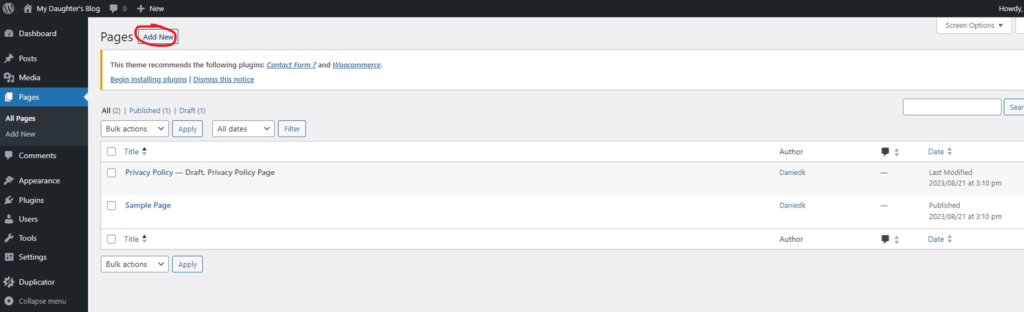
I headed over to the Pages item on the WordPress admin console and selected to “Add New” page
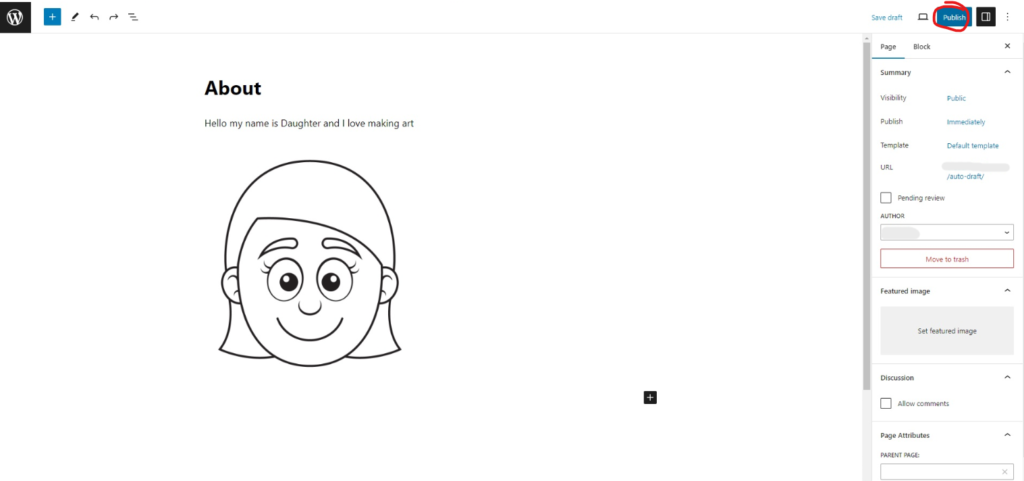
I let my daughter choose a nice picture of herself and write up a short description of herself and then hit the “Publish” button
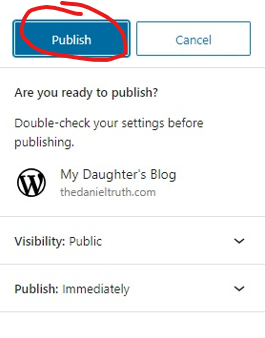
I accepted the default publishing options by again clicking on “Publish”
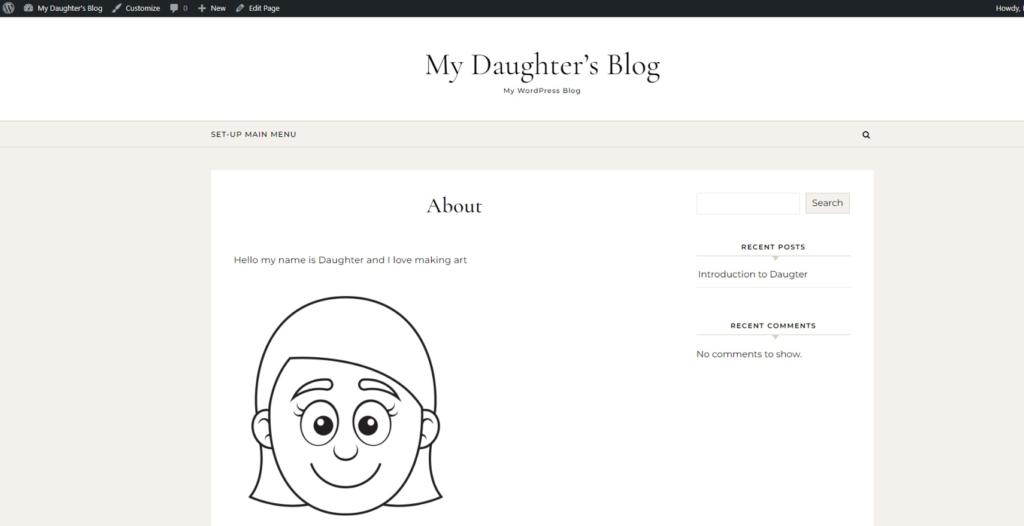
And had a quick look at what the page now looks like online
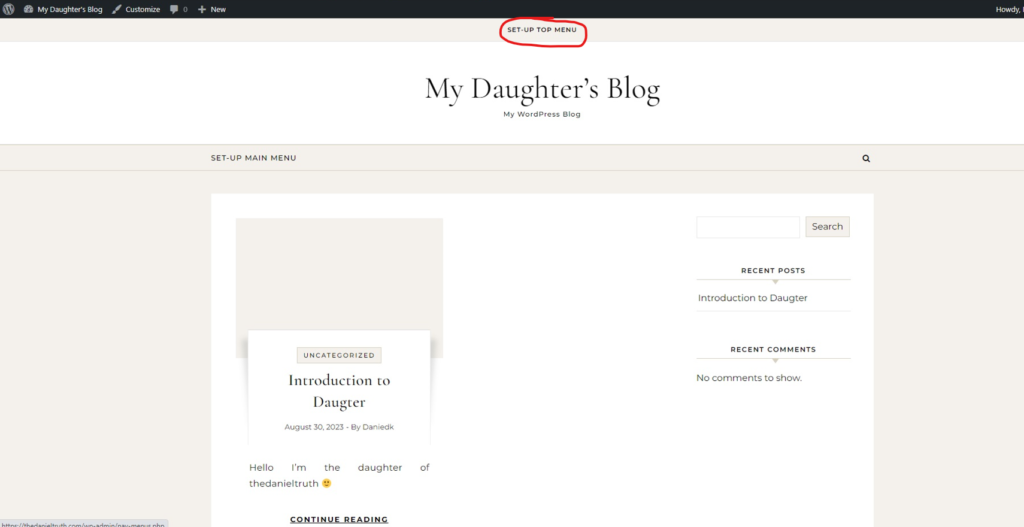
The final thing I wanted to do was to setup a Top menu for easy navigation, so I headed over to the homepage and selected the “set-up top menu” option
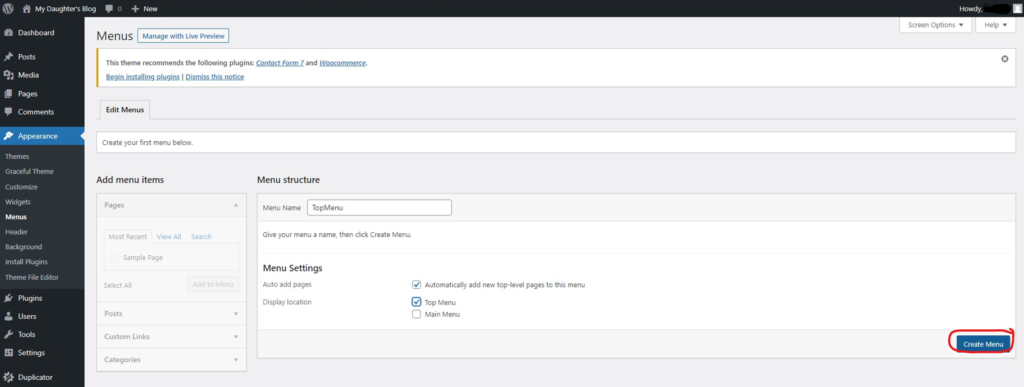
That action opened the Menus screen on the WordPress admin console, I checked that I’m happy with the defaults for the Top Menu and clicked “Create Menu”
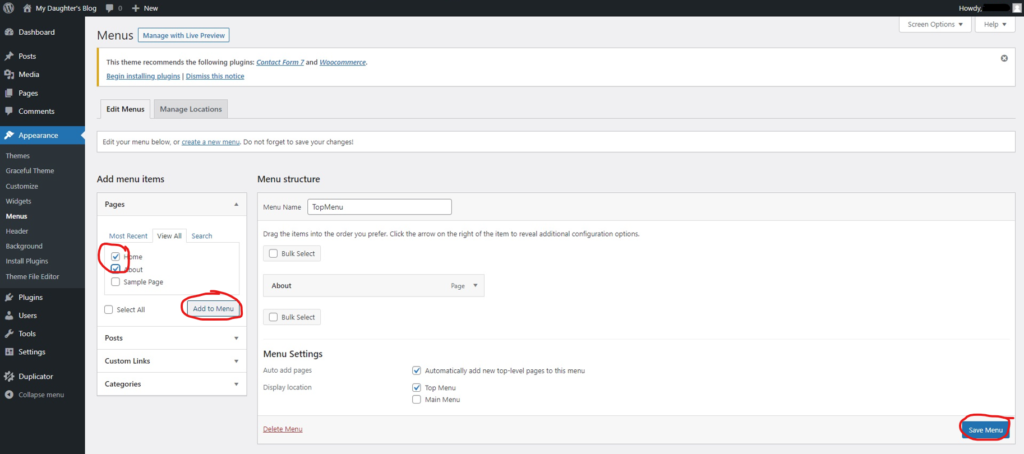
I then edited the new Top Menu by making sure the Home and About pages was added to it and saved the Top Menu.
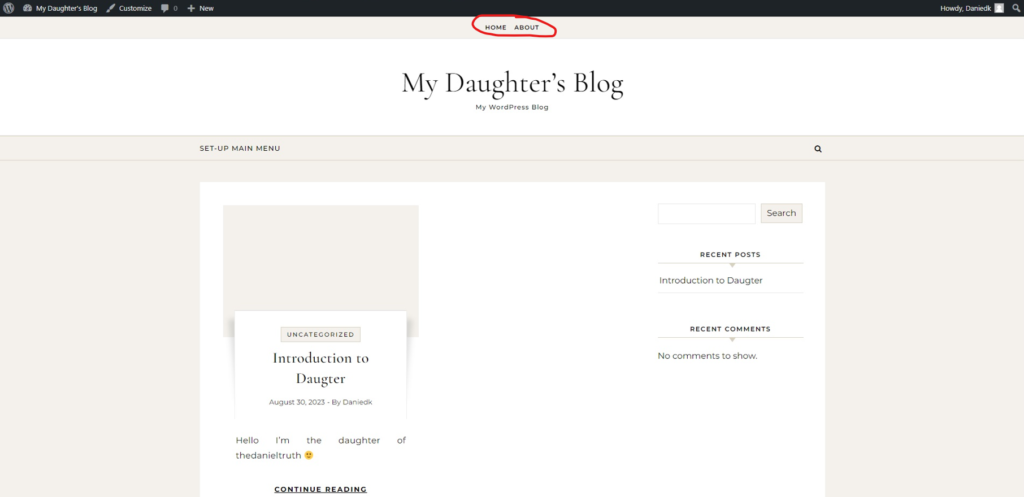
Viewing the Homepage, I could now see and use the Top Navigation menu available at the top of the homepage to easily navigate between the Home and About page
That concludes the series on creating my Daughter a blog page, I hope you had some fun creating our own blog page along with us.